
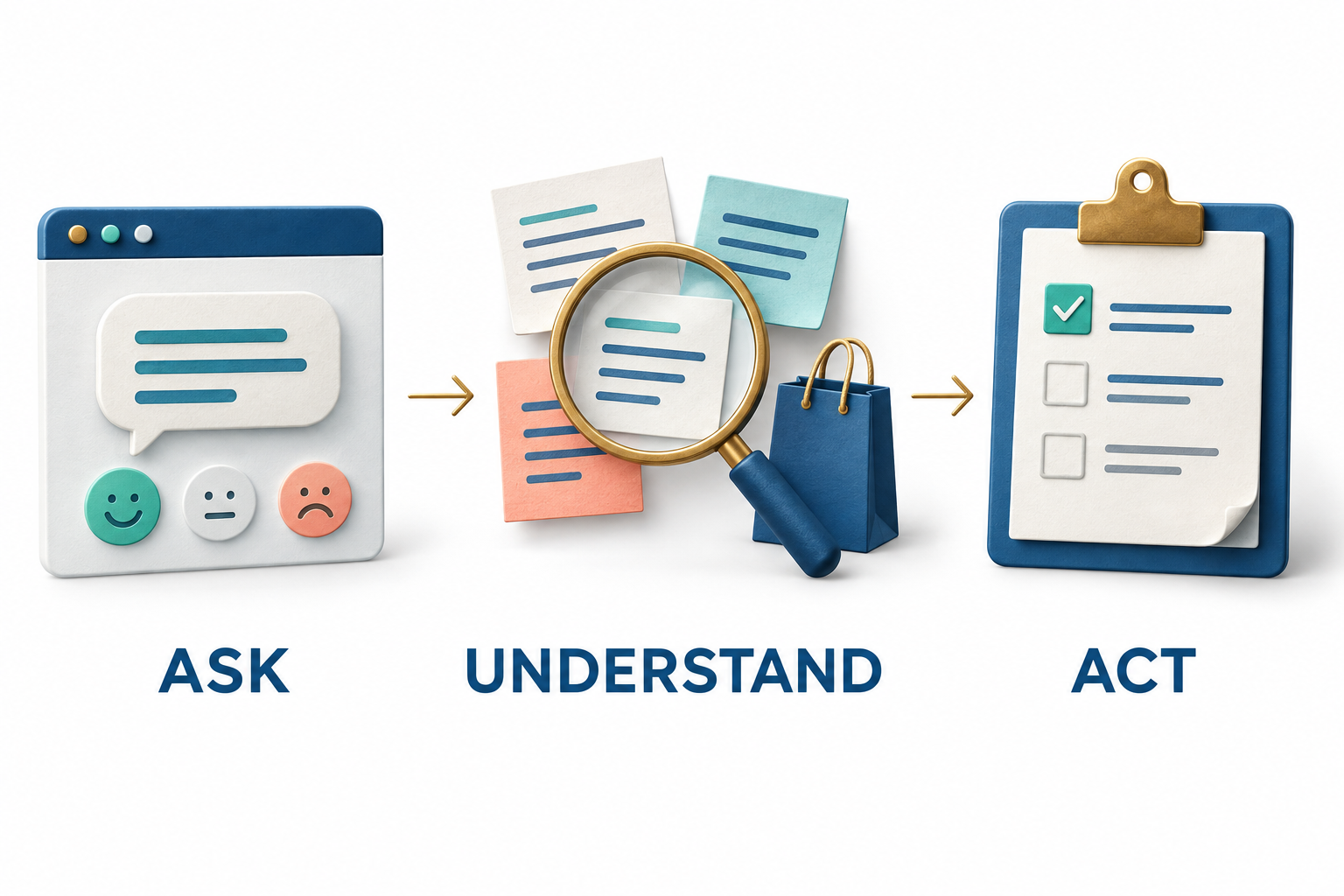
Customer behavior shows what happened. Feedback helps explain why.
A visitor can leave a product page because the price is too high, the sizing information is unclear, the delivery promise is missing, or a control did not work. The exit looks similar in a traffic report, but each explanation calls for a different response. Without asking the customer, a business can spend time improving the wrong part of the experience.
RAS Voice of Customer connects configurable surveys, relevant invitation timing, shopping context, a feedback inbox, and team follow-up. It gives businesses a way to collect explanations while the experience is still fresh and carry those explanations into a practical review process.
This guide covers the current feature set and how the pieces work together. Availability depends on the deployed version and configured integrations. The illustrations explain workflows; they are not product screenshots, real customer responses, or measured results.
1. Start with the question the business needs answered
The survey templates provide starting points for purchase hesitation, missing product information, search usefulness, checkout effort, shopping satisfaction, problem reporting, and the loyalty experience. Each focuses on a recognizable customer moment rather than a generic request to rate the business.
A purchase-hesitation survey can ask what is stopping an order, with options such as delivery cost, price, missing information, or a technical issue. A product-information survey can ask about sizing, materials, delivery, or availability. Checkout effort and shopping satisfaction templates provide a rating question and an optional comment.
Templates create drafts. The team reviews the questions, targeting, and settings before publishing. That review matters: a useful question on an order-confirmation page may be premature on a first product visit. A separate demo acceptance template supports controlled testing rather than customer research.
2. Build the survey around the answer you need
The visual field builder supports single-line text, multi-line text, dropdowns, radio buttons, checkbox lists, individual checkboxes, and rating scales. Teams can configure field labels, stable question keys, required fields, help text, placeholders, choices, and rating limits.
Different answer types serve different jobs. A short list helps a team count recurring barriers, while a comment field lets a customer explain a situation the list did not anticipate. Required questions can establish the minimum useful information; optional follow-up keeps a small survey from becoming an obstacle of its own.
The builder also controls the survey title, introduction, launcher label, submit text, and cancel text. Desktop and mobile previews help review presentation and targeting before a live change. Draft saving and publishing keep editing distinct from making a new version available to customers.
3. Preserve the survey version behind the response
Survey configuration history makes it possible to distinguish feedback collected under different versions. Modern submissions identify the exact configuration version, so the server can validate the answers against the questions that were actually served.
This is important when wording or options change. A response to a question about delivery cost should not silently become a response to a later question about delivery speed. Reports keep rating distributions separate by question and survey version rather than treating every number as interchangeable.
Advanced experience settings, such as audiences and branching, apply on new page loads. A settings fingerprint is captured with the response to retain context about those settings. Teams should still review how a change affects comparability before interpreting a rise or fall in responses as a customer trend.
4. Make the invitation fit the page and the brand
Placement controls include positioning, offsets, stacking order, and an anchor selector. Styling options include the primary color, text color, and border radius. Timing can require a minimum amount of time on the page and a minimum scroll percentage, while device selection distinguishes desktop and mobile experiences.
URL inclusion and exclusion patterns define eligible pages. A business can focus a question on a product area, omit irrelevant pages, and avoid treating every visit as the right moment for the same survey. Session suppression can hide the widget after an accepted response.
The objective is to make the invitation accessible and relevant without letting it compete with checkout, account navigation, or other important tasks. Previewing both desktop and mobile layouts is part of that work, especially when a site already has several floating controls.
5. Ask after a relevant event, not only after a timer
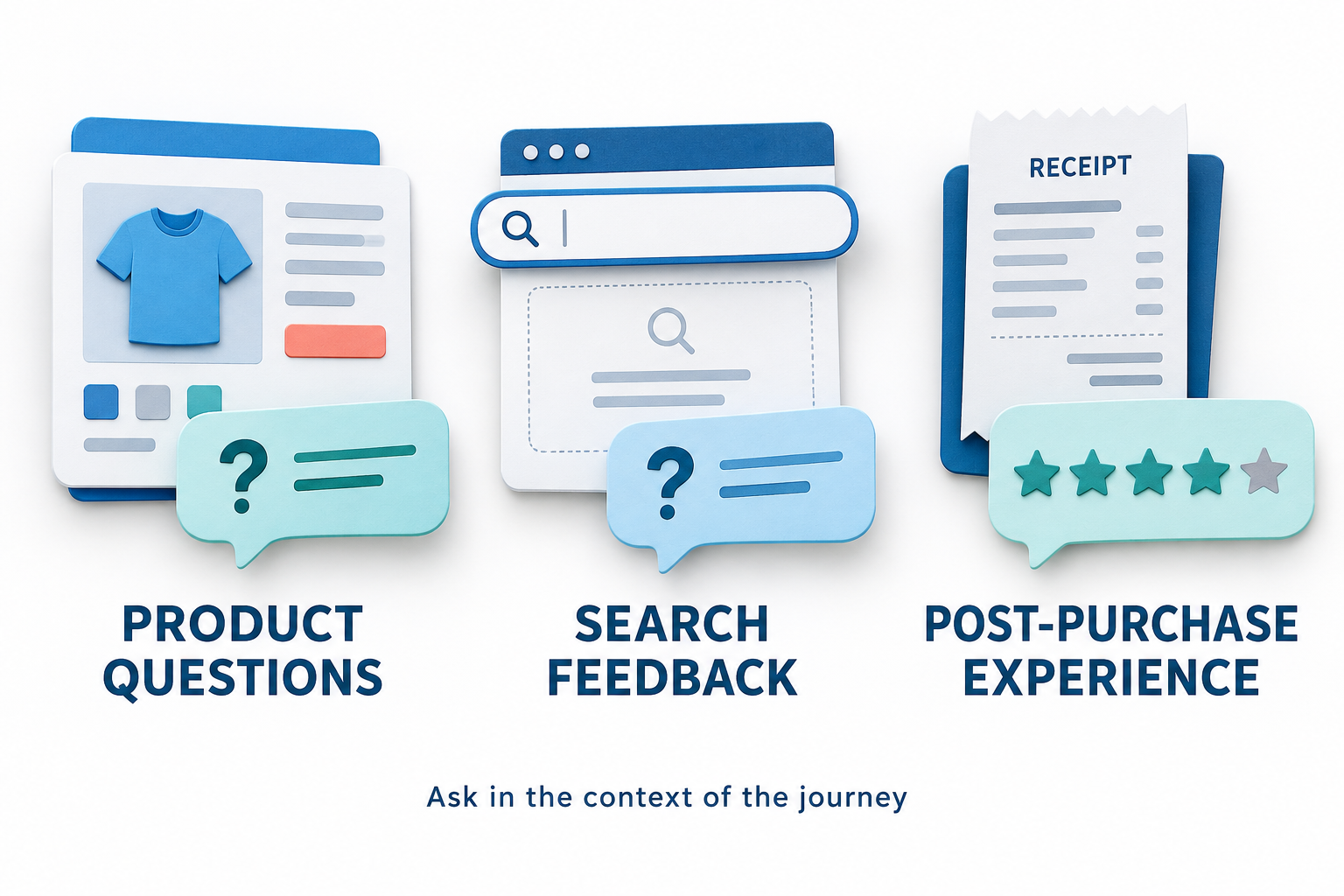
The shared RAS widget can make its launcher eligible after configured events such as a product view, adding a product to the cart, starting checkout, completing a purchase, receiving no search results, or using a reward. Those events must be supplied by the appropriate integration; the platform should not be assumed to infer every business action automatically.
This supports more specific questions. After an unsuccessful search, ask whether the visitor found what they needed. After purchase, ask about checkout effort or shopping satisfaction. Around a reward interaction, ask whether using the benefit was straightforward.
An event-triggered launcher is still an invitation. Its appearance does not mean that the customer opened the survey or answered it. That distinction carries through into engagement reporting and helps teams avoid overstating participation.
6. Reuse audiences and control invitation frequency
Reusable audiences can filter by page type, customer segment, minimum cart value, and device. A survey can select a saved audience instead of recreating the same targeting rules each time. Segment and commerce conditions depend on the context the site provides.
Sampling controls determine how much eligible traffic is invited, and cooldown hours limit repeat invitations on the same browser. Sampling uses session storage, while cooldowns use local storage. These are browser-level controls, not a reliable identity system across devices or cleared storage.
For an operator, the value is restraint. A team can gather feedback from a relevant group without repeatedly asking every customer the same question. It should also remember that a targeted or sampled response set describes the people who answered, not the entire customer base.
7. Show a follow-up only when it is relevant
Conditional follow-up rules can show a later question when an earlier answer exactly matches a configured value. For example, choosing Technical issue could reveal a question about what the visitor was trying to do, while another answer leaves that follow-up hidden.
Branches must reference a preceding question, and matching uses exact scalar answers. This is a focused branching capability, not an unrestricted workflow language or a system that interprets free text to decide what to ask next.
The practical benefit is a shorter path for most respondents while preserving detail where it is useful. Teams should test every branch, including required follow-up questions, before publishing an updated survey.
8. Provide translated survey wording with clear limits
Experience settings support translations for the survey title, introduction, and question labels. Language codes identify the translation, with original-language fallback when translated content is unavailable.
The current shared-widget translation controls do not translate every visible element: option labels and buttons retain their original wording. A translated heading therefore should not be treated as proof of a fully localized survey.
For businesses serving multiple languages, this offers a starting point for making the main question more understandable. Review the complete rendered experience in each intended language, including choices, controls, and the thank-you state.
9. Acknowledge the response and protect submission quality
The thank-you state can include a title, explanatory body, promotional copy, a call-to-action label and URL, and a close label. It provides a deliberate next step after feedback without implying that a support case has already been resolved or a reward has automatically been issued.
Submission safeguards include limits per session and per IP per hour, a minimum interval between submissions, maximum answer length, and a configurable rate-limit message. Server-side validation checks the submitted fields and required answers against the applicable survey. A honeypot adds another barrier to automated noise.
Stable request keys allow a retried modern submission to return the same stored response instead of creating another case. Accepted feedback receives a server receipt. These protections help keep the inbox and completion counts tied to persisted responses rather than repeated browser attempts.
10. Keep shopping context beside the customer's words
When integrated, feedback can retain a bounded snapshot of context such as page type, product ID, product category, cart value, item count, currency, customer segment, journey stage, order reference, and the latest commerce event. The shared RAS loader and commerce integration provide the connection without requiring a second RAS script.
Context changes the quality of a review. A comment about missing information on a product page may require a merchandising update. The same phrase after checkout may concern delivery expectations or confirmation details. Neither should be interpreted without checking what the visitor was doing.
The context interface excludes contact and payment details. That does not mean every response is anonymous: visitors can still type personal information into an open-text answer. Survey design and team handling should account for what is actually being collected.
Where a matching JourneyLens recording is available and the reviewer has access, the response detail can link to it. The feedback modal is masked for JourneyLens, helping separate the customer's answer from the surrounding behavioral recording.
11. Turn incoming responses into owned work
The Feedback inbox makes accepted responses actionable through response IDs, survey versions, context, status, theme suggestions, and direct links to full answers. Open and unassigned queues help reviewers find work that still needs attention. Overdue items and severity influence inbox ordering.
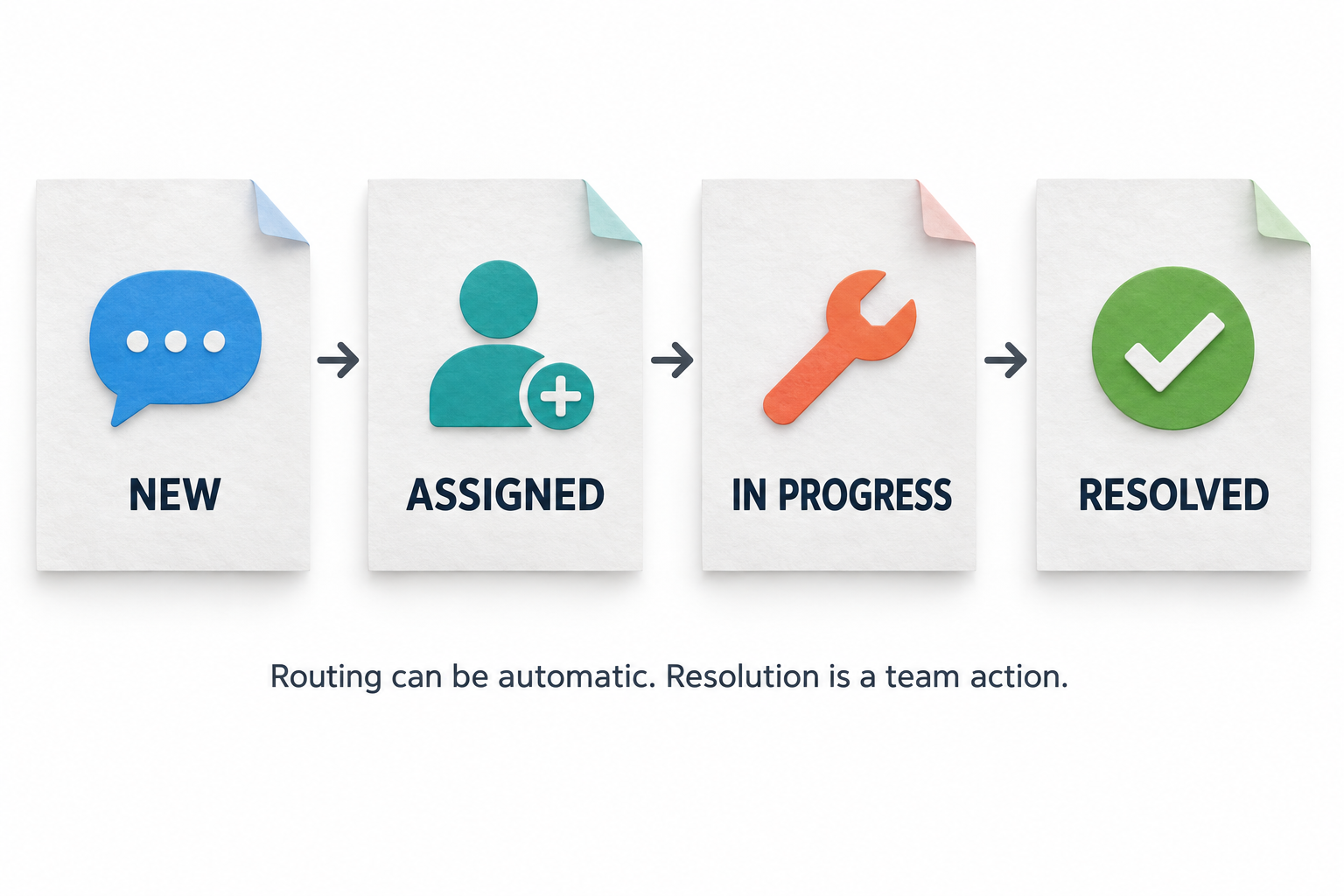
Experience settings can assign new feedback to an authorized owner and set a default priority. The team can then classify the response, adjust severity, add tags and internal notes, and write a resolution summary. Categories include bugs, UX friction, pricing concerns, feature requests, sales questions, support issues, praise, and other feedback.
Available statuses include New, Triaged, Assigned, In Progress, Resolved, Ignored, Archived, and Spam. Not every response needs the same path, but an explicit status makes the decision visible. Automatic assignment is not automatic resolution; someone still needs to investigate, act, and record the outcome.
12. Track overdue cases and notify the right people
A configurable overdue threshold in hours helps expose unresolved work. First-triage and first-resolution timestamps support workflow measurement for newly tracked actions; historical timing is not invented when those timestamps were never captured.
Site-level alert subscriptions support instant notifications and daily or weekly digests. Subscriptions can be scoped to a survey configuration and minimum severity. Digest delivery uses the existing execution infrastructure and requires it to be configured; creating a survey does not install a scheduler.
Test responses are excluded from instant and digest notifications. Teams should verify mail delivery and the intended recipients during rollout so that collecting important feedback does not create a false expectation that someone has already seen it.
13. Understand themes, pages, and feedback trends
Overview and Reports show accepted responses, open cases, overdue cases, resolved cases, responses with commerce context, and responses linked to a matched order. Site, date, device, survey, and traffic filters allow a team to focus on the population relevant to its question.
Daily feedback trends include zero-response days. Page groups, product categories, and individual pages show where responses are concentrated. These views can help locate an issue, but a page with more feedback is not automatically worse: it may receive more traffic or have a more visible invitation.
Theme suggestions recognize English keywords associated with delivery, pricing, product information, technical issues, and praise. One response can have multiple suggested themes. These are reviewable keyword rules, not AI sentiment judgments, multilingual semantic analysis, or final classifications.
The original answer remains the evidence. A phrase containing a pricing keyword could praise value rather than complain about cost, so reviewers should read it before assigning meaning or planning a change.
14. Measure survey engagement and ratings accurately
Engagement measurement distinguishes the launcher being shown, the survey being opened, the first input interaction, dismissal, and unsuccessful attempts. Completions come from accepted submissions stored by the server rather than a client-side success event alone.
The engagement counts represent distinct sessions for each event. They are not an ordered conversion funnel. A team should not divide or compare them as though every session followed a single measured sequence with identical timing.
Satisfaction and effort templates report the proportion of responses rated four or five on their one-to-five scale. Other rating distributions remain separated by question and survey version. A numeric answer is not automatically CSAT, customer effort, or Net Promoter Score simply because it resembles a familiar scale.
This makes reporting more useful for decisions: the team can see which question was asked and what the calculation means before comparing results across periods or surveys.
15. Add purchase context without claiming causal impact
Reports can identify feedback followed by a browser-reported purchase in the same session within twenty-four hours. They also show how many responses have had a full observation window, since a response received a few minutes ago cannot yet be evaluated in the same way as one received yesterday.
When an order reference is present and compatible backend data exists, matching uses the exact reference within the same site. That provides useful context, but it does not prove the respondent's identity or establish that feedback caused the purchase.
Average time to first resolution is calculated from cases with a recorded first-resolution timestamp. Historical cases without that timestamp are excluded. Purchase associations and resolution timing answer different questions; neither should be presented as guaranteed revenue uplift or a complete measure of customer success.
16. Keep test traffic and exports understandable
Reports distinguish unmarked traffic, verified test traffic, historical or unknown responses, and all traffic. Signed test-session markers classify production QA, while the demo hostname is treated as test. A plain client-provided boolean cannot declare a production response to be test traffic.
Unmarked means no verified test marker was observed, not proof that the respondent was a genuine customer. Older responses retain unknown classification instead of being retrospectively labeled real. This separation helps prevent synthetic acceptance data from being presented as customer opinion.
CSV exports retain the selected feedback, including identifiers, survey version, dates, status, traffic, page, answers, and suggested themes, with protection against spreadsheet formula prefixes. The on-screen table shows up to 100 responses; export covers the bounded selection rather than only those rows.
Reports cap the response selection at 10,000 and subsequent purchase-event analysis at 50,000, with a limit notice. Narrower filters can improve the review when those bounds are reached. Response dates and engagement-event dates also have their own time scopes.
17. Review connection health and protect access
Settings show the latest widget event and latest accepted feedback. Together, those signals help distinguish a launcher that is loading from a submission path that is successfully storing answers. Publishing a draft is only part of launch readiness: open an eligible page, submit a test response, and verify its stored version and classification.
RAS site and role permissions govern who can manage surveys and who can access customer submissions. Platform-level administration does not automatically mean unrestricted access to raw customer feedback. Survey and workflow changes use the portal's protected administrative paths.
Collection should stay proportionate to the question. Avoid requesting unnecessary sensitive information, inspect what appears in context and exports, and apply the organization's established privacy and access practices. Technical safeguards are not a substitute for reviewing the real survey and its deployment.
18. Use WordPress as a deployment option, not a duplicate RAS portal
The separate EDSA Voice of Customer WordPress plugin provides a more focused local experience: one active prompt, text and rating options, multiple-choice or yes/no questions, widget or shortcode placement, URL and post-type targeting, WooCommerce contexts, and manual, timed, scroll, or exit-intent triggers.
It stores private local response records and provides basic counts and recent-response review. It also includes settings for optional forwarding to RAS. Forwarding requires a compatible receiving endpoint and configured credentials, so verify accepted delivery rather than treating a connection check as proof of synchronization.
The standalone plugin is a separate rendering path. The shared RAS widget's newer audience and conditional-follow-up controls should not be assumed to apply to that local prompt. This distinction lets a WordPress team choose its deployment approach without expecting the full centralized workspace to be replicated inside WordPress.
Build a feedback loop that ends with a decision
Consider a retailer receiving repeated comments about sizing. A product-information survey can collect the concern in context; reports can show the relevant categories; an assigned reviewer can examine the original answers and any available behavioral evidence. The team might discover that a size guide is missing, difficult to find, or simply unclear.
That finding can become a specific improvement to investigate or test. JourneyLens can help examine the interaction, SiteMetrics can provide traffic context, and Optimize can support a properly configured experiment. Loyalty Engine feedback can reveal problems with reward use, while product and abandonment feedback can inform merchandising or recovery decisions. These are complementary workflows, not automatic campaigns launched by submitting a survey.
The strongest use of Voice of Customer is not asking more questions. It is asking a relevant question, preserving enough context to understand the answer, assigning responsibility, and checking what happened next. RAS brings those steps together so customer feedback can become an operating input rather than an unread collection of comments.